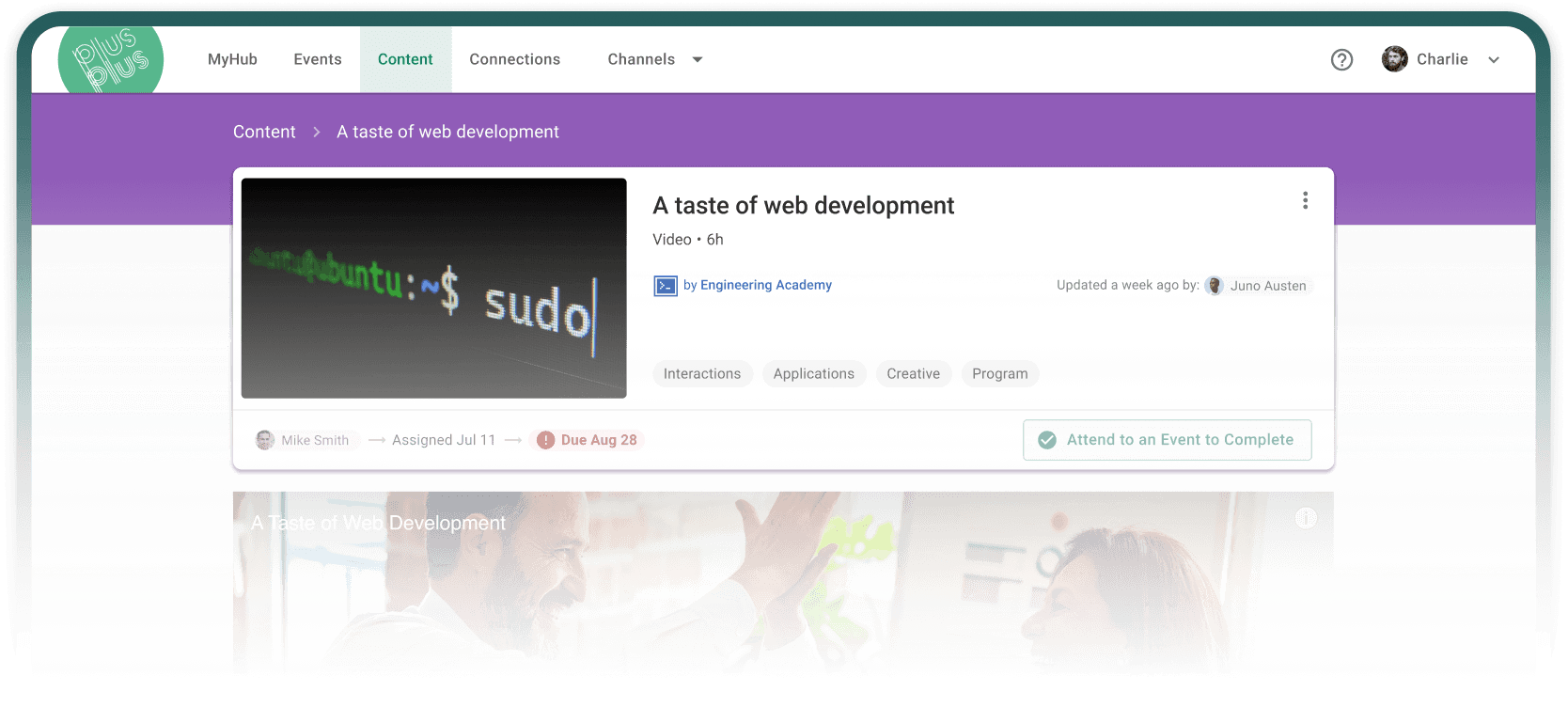
Customer Experience
Your customers licensed the software. Now make them productive.
Give each customer or partner team its own restricted space, run live sessions with your experts, and show your account team who’s ready.

Who this is for
Is this you?
You sold the platform. Now hundreds of people at each account have to use it, and your enablement team is three people.
Every account arrives with a different stack, timeline and starting point.
Partners deliver your product, and they need to prove they’re ready before they’re in front of a customer.
A course catalog isn’t a program. Your key accounts need their people moved from “we bought it” to “we use it,” on a schedule, with your experts in the room.
What the usual options miss
Three things teams reach for first, and where each one breaks.
A customer education catalog
Good for self-serve across the long tail. Not built to run one account’s 500 engineers through live sessions with your experts.
CSMs running it by hand
Your best CSMs run great workshops. Then the recording sits in a folder and the next account starts from zero.
Docs and a help center
Searchable, but search isn’t learning. The people who need you most don’t yet know what to search for.
Step by step
How customer enablement runs

01
Each account gets its own space.
Customer and partner users join as restricted users, so they only see what their group is granted. Templated groups create one group per account and keep it in sync.
Channels and access →

02
Nobody repeats what they already know.
A knowledge check sets the starting point. Pass, and a rule moves you to the advanced track. Equivalencies let people finish a step live, recorded or self-paced.
Tracks and equivalencies →

03
Your experts stay in the room.
Office hours and workshops with your solutions engineers, plus recordings and Markdown docs for everyone who can’t attend. Invites and reminders go out automatically.
Events and office hours →

04
The account team sees who’s ready.
Readiness by account: who finished onboarding, who passed, who holds the certification badge. Share it as a report. Expired certifications re-assign themselves.
Insights and reports →
The platform underneath
Everything customer enablement runs on
Restricted access
Restricted users see only what their group is granted. Channels and content can be limited to specific groups.
Channels →
Groups per account
Templated groups create and maintain one group per customer or partner from an account attribute in your user sync.
Integrations →
Live sessions with experts
Workshops and office hours with your solutions engineers. Invites, reminders, waitlists and check-in run themselves.
Events →
Knowledge checks that route
Assessments with a pass mark. Pass and fail segments drive rules that skip the basics or assign a refresher.
Tracks →
Readiness reports
Filter by account, share a report with the account team, or pull data into your BI tools through the GraphQL API.
Insights →
Badges and recertification
Grant a badge by rule when someone completes a program. Expiring assignments re-assign for recertification.
Tracks →
FAQ
Questions, answered
What is customer enablement?
Customer enablement gets your customers’ and partners’ teams productive with the product they bought. Customer education publishes a catalog. Enablement runs a program for each account: its own restricted space, live sessions with your experts, knowledge checks and readiness reporting.
We already have a customer education platform.
Keep it for the long tail. Your key accounts need a program: cohorts, live access to your experts, a path that skips what people already know, and reporting your account team can act on.
Can each customer see only their own content?
Yes. Customer and partner users are restricted users, so they only see the channels and content granted to their group.
How do people skip what they already know?
Start with a knowledge check. People who pass are routed past the basics by rule, and admins can mark prior training as exempted.
How do accounts get set up?
Bring users in through SCIM, a CSV or a custom integration that includes an account attribute. Templated groups and rules create each account’s group and assign its track.
What does the account team get?
A readiness view for each account: who finished onboarding, who passed the knowledge check, who holds the certification badge. Share it as a report or pull it into your BI tools.
Does this work for partners too?
Yes. Partner teams get the same setup: their own restricted group and channel, onboarding and certification tracks, and office hours with your experts.
What does a typical program include?
A restricted group and channel for the account, an onboarding track for each role, live sessions or office hours with your experts, a knowledge check that routes people past the basics, and a certification badge with recertification.
Go deeper
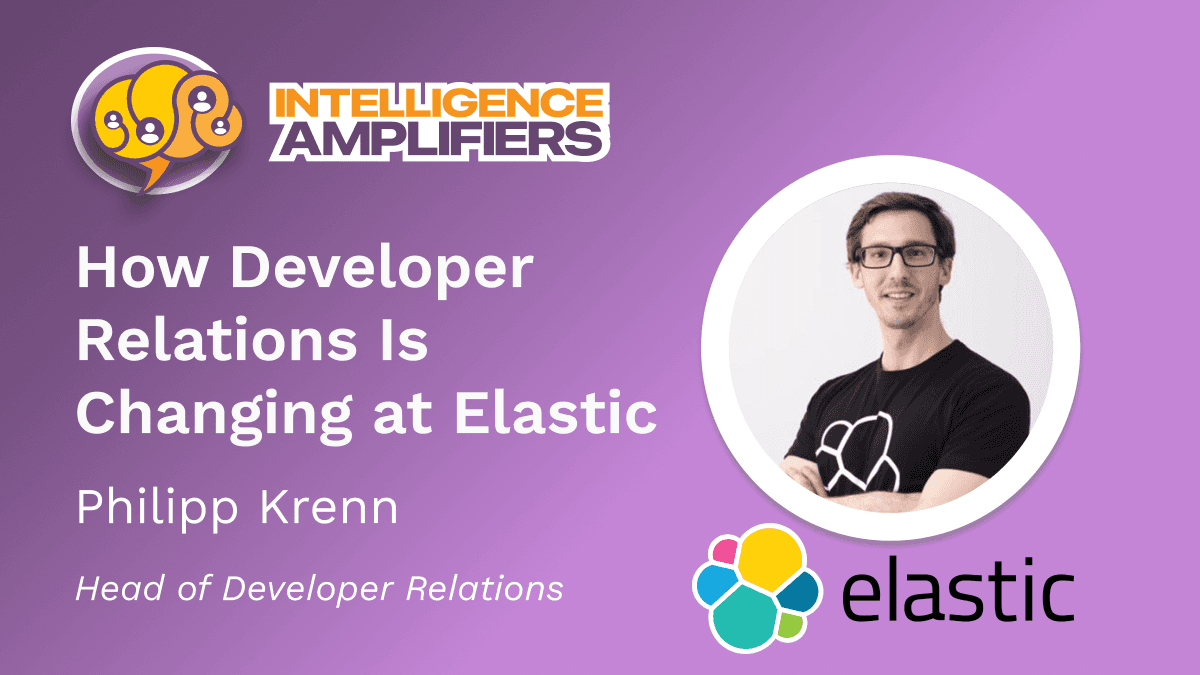
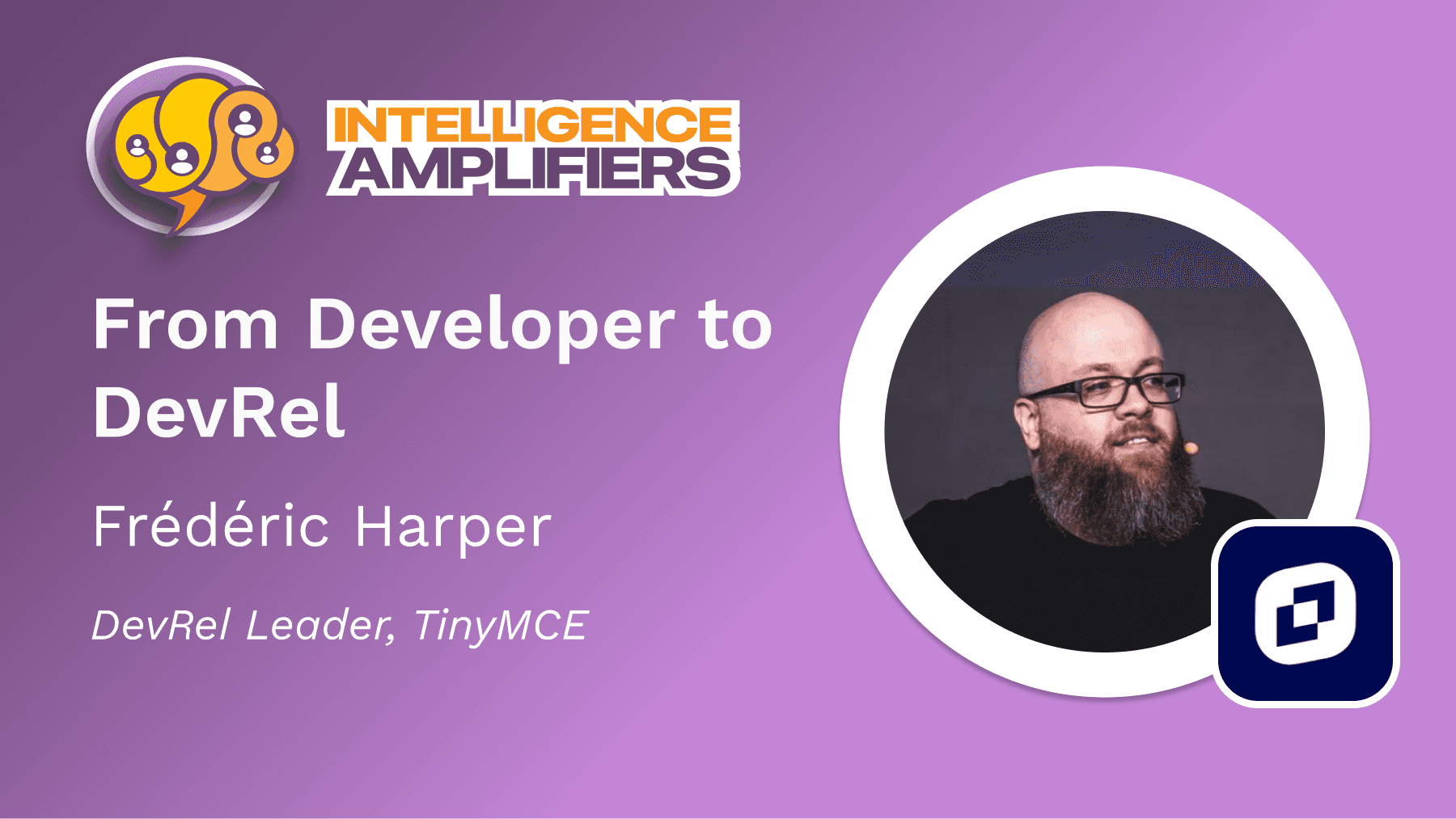
Hear how teams run it

More programs
Other programs teams run on PlusPlus


Which account decides your renewal?
Tell us about the customer whose adoption worries you most. We’ll show you their program running on PlusPlus.